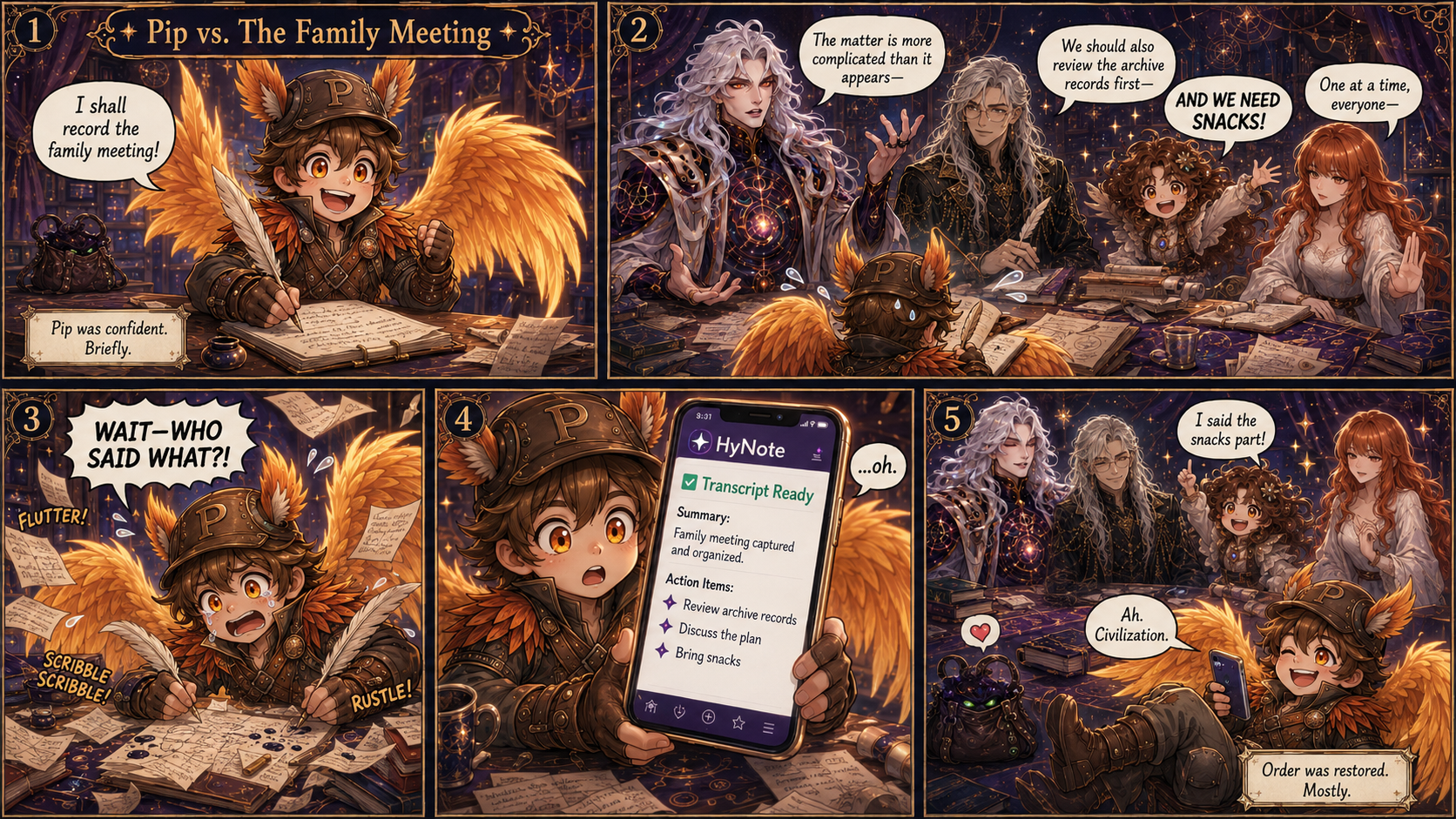
Ever try to take notes while everyone talks at once? 😂
Pip did.
It went about as well as expected.
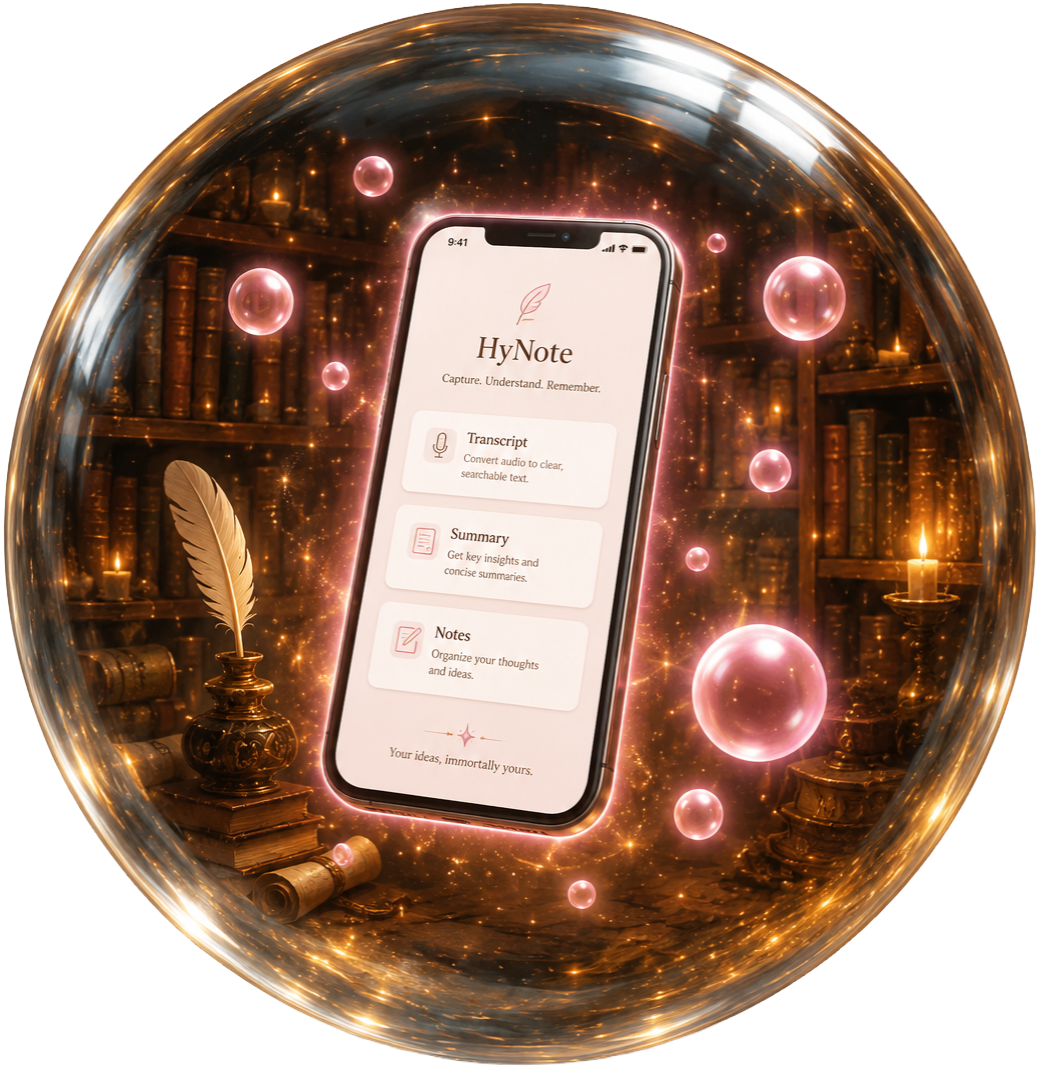
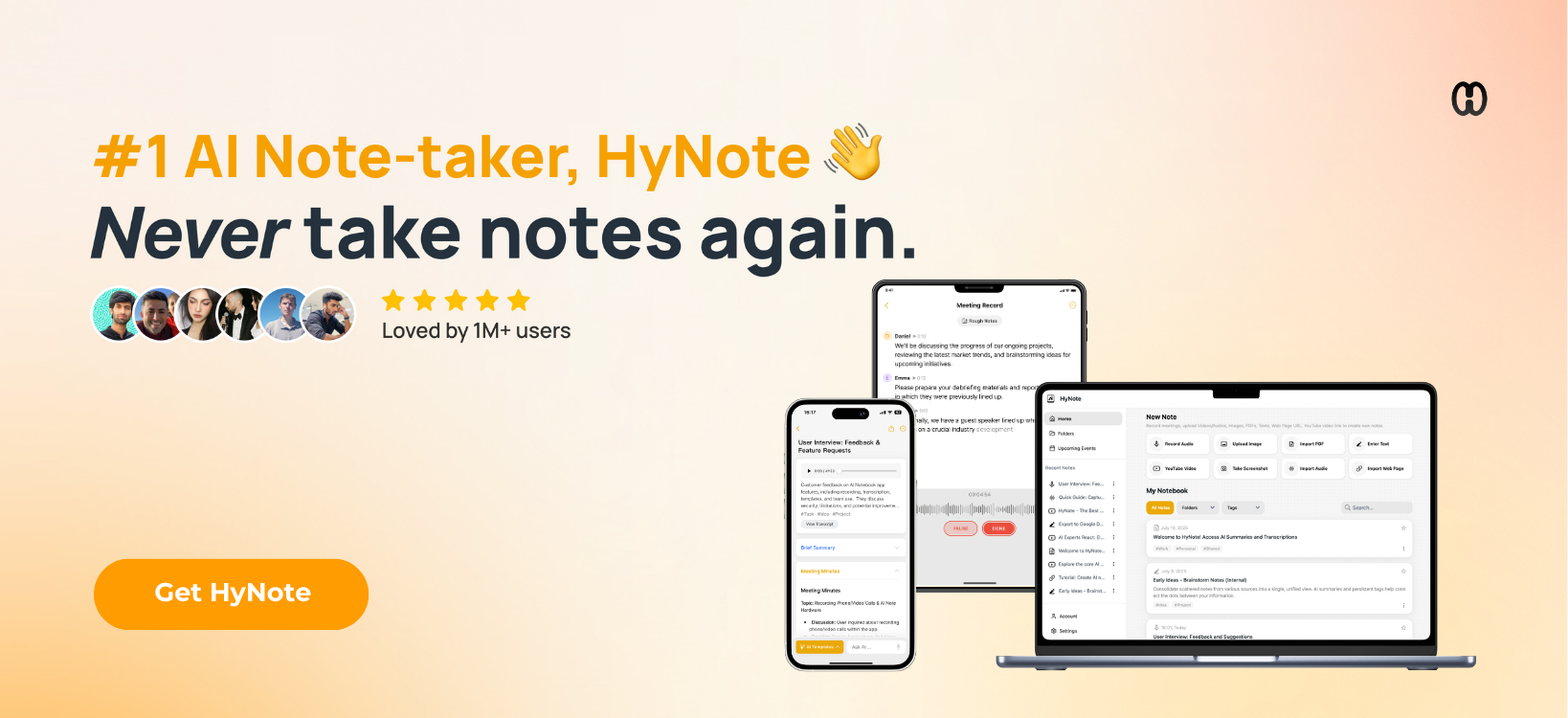
That’s where HyNote comes in — it can turn recordings into organized transcripts, summaries, and action items so you can focus on what’s being said instead of desperately trying to write down every word.
For lectures, meetings, study sessions, or apparently… chaotic family councils. 😄
And yes, Kiarra absolutely made sure “bring snacks” made the action-item list.
✨ Record
📝 Transcribe
📚 Summarize
✅ Organize what matters
HOW I ACTUALLY USE IT
What HyNote has done for me goes a little beyond just keeping things organized. Because of my physical limitations, I can’t speak, so anything that expects me to verbally tell it when to start, stop, or explain what I need can actually make things harder for me.
With HyNote, I can just pull out my phone, press one button, and record. I don’t have to explain anything first or interrupt the conversation. That probably sounds like a small thing, but for me it makes a huge difference.
I can focus on what is happening in front of me instead of worrying about how I’m going to remember everything later. HyNote can also tell different speakers apart, even in larger conversations with up to 10 people, and supports up to 50 languages, which makes it useful in a lot more situations than I originally expected.
Afterward, I can save the recording, organize it if I want to, and use the transcript or summary however it works best for me. Sometimes that means reviewing it myself, and sometimes it means bringing it into ChatGPT and working with it there.
That’s probably what I like most about HyNote. I don’t see it as something that has to replace the tools I already use. It fits alongside them.
For me, it is simply: record first, save what mattered, and decide what to do with it later.
But the more I’ve used HyNote, the more I’ve realized that “recording” is only part of what I can do with it.
I can give it a webpage or even a YouTube video and bring that information directly into my notebook. Instead of saving another link somewhere and later wondering why I saved it, I can have HyNote create a transcript or breakdown and give me something I can actually work with. From there I can summarize it, ask questions about it, organize it, or bring that information into another tool like ChatGPT if I want to explore it further.
I can also upload images together and let HyNote look at them as a group. It can recognize common themes and give me a breakdown of what the images contain. That has been surprisingly useful for artwork, comics, screenshots, visual references, and creative planning. I work with music, stories, artwork, and a lot of visual ideas, so being able to collect those things somewhere and later understand why I saved them is incredibly helpful.
PDFs have been another useful surprise. I can upload a longer document, such as a contract or agreement, and then ask questions about the document itself instead of repeatedly searching through pages trying to find one particular clause.
I recently tested this with a multi-page music agreement. I was able to ask what my responsibilities were, what parts of the agreement might deserve closer attention, and even what questions I should consider bringing with me if I spoke with legal counsel.
What I especially appreciate is that HyNote repeatedly makes it clear that those answers are suggestions and informational guidance, not legal advice. It doesn’t pretend to replace a lawyer or other qualified professional. For me, it helps with something different: understanding enough of a complicated document to know what questions I should be asking in the first place.
That can make something intimidating feel much more manageable.
I’ve also started using HyNote with pieces of my own writing. The text import gives me enough room to paste in a substantial part of a story rather than only a few lines. I can save that section on its own, ask for a summary, look at the themes it recognizes, or see what questions naturally come out of the scene.
I don’t use that to replace my own creative decisions. I use it as another way of looking at what I wrote. If I intended a scene to be about grief, family, strength, belonging, or something else, it can be interesting to see whether that meaning actually comes through when the scene is read back from another perspective.
The more I use HyNote, the less I think of it as simply a note-taking app.
For me, it has become more like a place to capture things before they disappear: conversations, ideas, webpages, videos, documents, images, research, and pieces of my own stories.
I can collect something first, organize it if I need to, and decide later what I want to do with it.
That has saved me time, made it easier to stay organized, and most importantly, given me a much more accessible way to capture information without having to change how I communicate.
If you want to check it out, you can find HyNote through my affiliate link. https://hynote.ai/?via=DWHPEX2E8X
Affiliate disclosure: I may earn a commission if you sign up through my link.
#HyNote #AINoteTaking #ProductivityTools #StudyTools #MeetingNotes #AIProductivity #ImmortalHaven